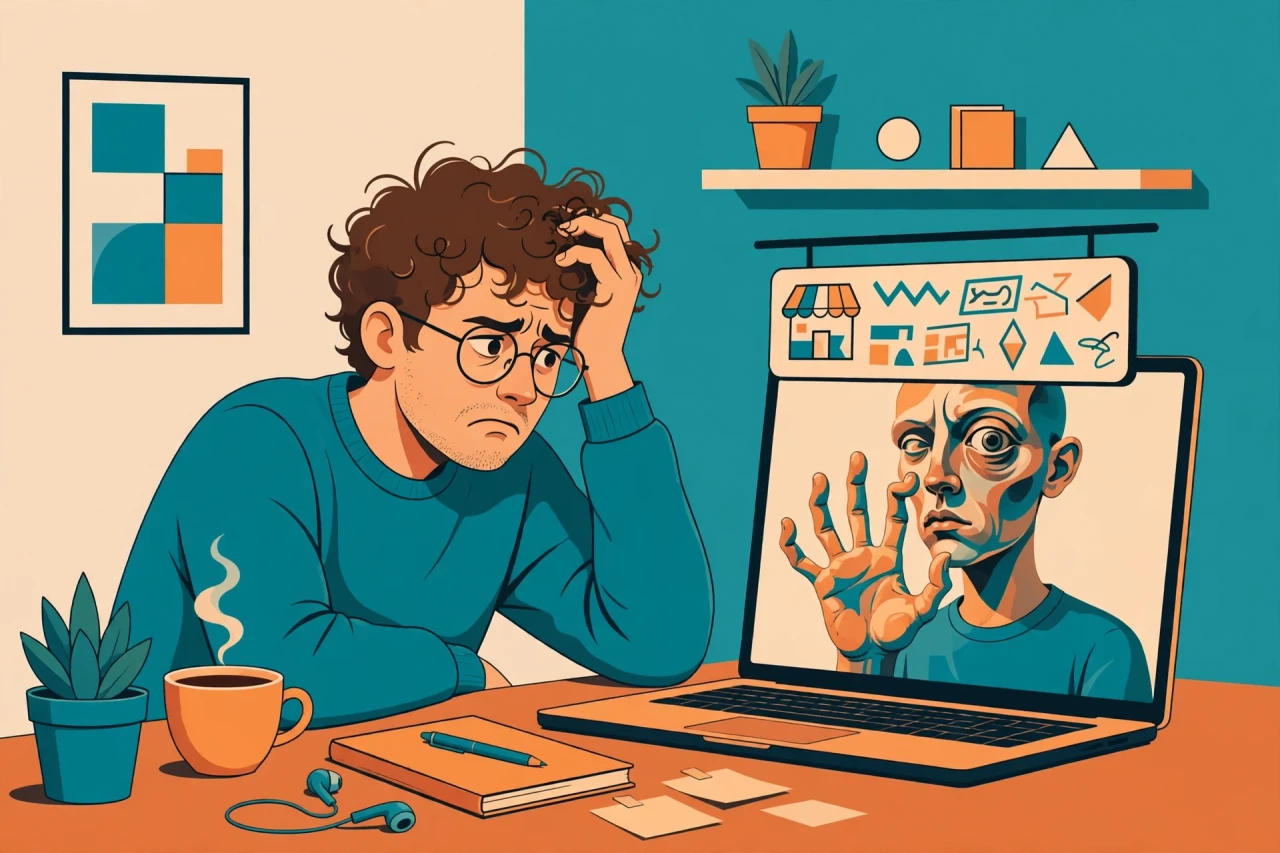
You type a careful prompt, wait for the image, and there it is: a cafe scene that looks real — except the barista has six fingers wrapped around a coffee cup, and the chalkboard reads "BRWO HUSU" instead of "BREW HOUSE." You reroll. The fingers are fixed; now the sign says "BRW HOSUE." Four generations in, your credits are draining and the picture still isn't usable.
That isn't bad luck. Hands, text, and faces are where image generators fail most — and they fail in ways that are hard to spot until you've already spent the credits. After comparing the official pricing pages and the published tests from November 2026, the generator that handles the problem best overall is Ideogram, built specifically to spell text correctly and keep anatomy plausible. The criteria that matter are simple: can it spell the words on the sign, can it draw a hand that passes a glance, how much does each reroll cost, what does the free tier give you, and can you sell what you make?
Short answer: Pick Ideogram if text must be spelled right. Pick Midjourney if the image itself is the product and you care about mood above all. Pick ChatGPT if you want zero learning curve and conversational fixes. Pick Gemini if you're editing real photos. Pick Flux if you generate in volume and want the lowest cost per image.
| Tool | Best for | Free tier | Price |
|---|---|---|---|
| Ideogram | Readable text in images | Yes — limited, public images, 10 slow credits/week | From $8/mo |
| Midjourney v7 | Striking art, mood, lighting | No free tier | $10–$120/mo |
| ChatGPT images | Zero learning curve, chat-based edits | Yes — limited | $20/mo (Plus) |
| Google Gemini | Editing real photos by instruction | Yes — limits vary with demand | $19.99/mo (AI Pro) |
| Flux 2 Pro | High-volume photorealism at low cost | Via partner platforms / API trial | $0.01–$0.10/image (API) |
| Adobe Firefly | Commercial-safe work, legal sign-off | Yes — daily generations | From $9.99/mo |
Prices and features checked November 2026 — AI pricing changes fast, verify on the official pricing page before you pay.
How we picked these
We compared the official pricing pages and the published November 2026 tests and leaderboards for each tool, and weighed them against the three failure modes readers actually complain about: mangled hands, garbled text, and wrong faces. We did not run every tool for a month, and where we haven't tested something ourselves, we say so.
1. Ideogram
Ideogram is the one generator built around the exact complaint this post is about. Most image models treat text as decoration — something to approximate and move on. Ideogram treats it as a requirement. Ask it for a neon sign that says "OPEN LATE," a book cover with a title, or a poster with a tagline, and it spells the words correctly roughly 90% of the time, according to published text-rendering accuracy tests. That number is the whole reason it's number one here: every other generator on this list will hand you a beautiful image with a misspelled word in it, and a misspelled word is the one flaw no one overlooks.
The anatomy is decent too, not flawless. Hands come out plausible in most normal poses. It still stumbles on the hard cases, the same ones that trip every generator: fingers interlaced, hands gripping something small, two people shaking hands. But the failure rate is lower than the field, and when you do need a reroll, the cost is manageable. The free tier gives you 10 slow credits a week to test the tool, though every free image is public — don't generate anything you wouldn't want a stranger to see. Paid plans start at $8 a month, the cheapest entry point of any dedicated image generator here.
What Ideogram won't give you is Midjourney's atmosphere. Its images are clean, competent, and a little safe. If you want a poster that stops a thumb mid-scroll because of its mood and lighting, Ideogram's output can feel flat next to Midjourney's.
Pros:
- Best text rendering of any dedicated image generator — about 90% accuracy in published tests
- Cheapest paid entry at $8/mo, with a usable free tier for testing
- Good anatomy in everyday poses, fewer hand disasters than rivals
Cons:
- Less striking artistry and mood than Midjourney — images can look safe and flat
- Free-tier images are public, so no client work on the free plan
- Still struggles with complex grips and interlocking hands
Best for: anyone whose images carry words — posters, thumbnails, book covers, social graphics, product mockups.
2. Midjourney v7
Midjourney is still the aesthetic king, and it's not close. Give it a vague prompt — "rainy Tokyo street, neon, cinematic" — and it returns something with lighting, mood, and composition that the other tools need a paragraph of prompt engineering to reach. If the image itself is the product — a book cover, a poster, concept art — Midjourney gives you the most beauty per prompt. Version 7, the current release, follows instructions better than earlier versions, and the web editor has finally made it usable without living inside Discord.
But the problem this post is about is exactly where Midjourney is weakest. Typography is still its Achilles' heel: published tests put its text accuracy at producing gibberish 40–60% of the time on anything beyond a word or two. Short words on a sign sometimes land; a sentence never does. Hands have improved, but they still go wrong in the poses that matter — in pockets, holding things, near faces. And then there's the price of failure: there is no free tier, so every experiment costs real money, starting at $10 a month for Basic, $30 for Standard, $60 for Pro, and $120 for Mega, with roughly 20% off on annual billing. Commercial use only kicks in at the Standard plan and above — Basic at $10 a month is personal use only, which catches people out.
Pros:
- Best lighting, mood, and composition with the least prompt effort
- Version 7 follows instructions better and has a proper web editor
Cons:
- Typography still produces gibberish 40–60% of the time
- No free tier — every test costs money
- Commercial use requires the $30/mo Standard plan or higher
Best for: art-led images where mood and beauty matter more than words — posters, concept art, covers, and social images with no text in them.
3. ChatGPT images
ChatGPT's image generation — now running on GPT Image 2, the successor to DALL-E 3 — is the easiest on-ramp in this entire list, and for a lot of people that matters more than any benchmark. There is no prompt engineering to learn, no Discord server to join, no credit system to decode. You describe what you want in plain English, in a conversation, and when the result is wrong you just say "fix the hand" or "the sign should say OPEN, not OPNE" and it tries again. That conversational loop is genuinely different: instead of rewriting a prompt from scratch, you iterate in sentences, and the model keeps the rest of the image stable while it changes the bit you flagged.
It's also, by several comparisons published in 2026, the most reliable text renderer of the bunch — it topped the LMArena image leaderboard in mid-2026, and short text in images usually comes out spelled correctly. For a birthday card, a slide, or a quick mockup, that combination — correct text plus plain-English fixes — is hard to beat.
The catch is the look. ChatGPT images have a recognisable style, a kind of polished, slightly plastic sheen that people who spend time online now spot instantly. Photographic realism is its weakest area: faces can look waxy, skin too smooth, and the "too perfect" quality shows up fast in portraits. The free tier exists but is limited, and serious use means ChatGPT Plus at $20 a month — good value only if you also use ChatGPT for other work.
Pros:
- Zero learning curve — plain-English prompts and conversational fixes
- Most reliable text rendering of the bunch in several 2026 comparisons; topped the LMArena image leaderboard mid-2026
- Iterative editing keeps the rest of the image stable while you fix one thing
Cons:
- Weakest photographic realism — faces can look waxy, and the images have a recognisable "DALL-E look"
- Free tier is limited; real use means $20/mo Plus
Best for: beginners, quick social graphics, slides, and anyone who wants to fix mistakes by talking instead of re-prompting.
4. Google Gemini
Gemini's image side — now led by Nano Banana Pro, built on Gemini 3 Pro Image — is the best tool on this list for a job the others don't really do: editing a real photo by telling it what to change. Upload a photo of your living room and say "replace the sofa with a green velvet one, keep everything else identical," and Gemini does it, holding the rest of the frame steady. The same trick works for product photos and headshots: change the background or the outfit, and the photo stays a photo of the same place and person.
That strength comes with a specific weakness, though, and Google is unusually honest about it. The free tier runs on Nano Banana 2 with limits that vary with demand — on a busy day you may hit the wall sooner than you'd like — and the paid tiers are AI Pro at $19.99 a month and Ultra at $99.99 a month. More importantly, Google's own model card warns that small text and long passages can still come out blurry or wrong, so the "put a paragraph on this poster" job that Ideogram handles is exactly where Gemini wobbles.
Pros:
- Best at editing real photos by instruction — change one thing, keep the rest identical
- Lives inside Google's ecosystem, so it slots into tools you already use
- Free tier exists for trying it out
Cons:
- Free limits change with demand — you can't rely on a fixed allowance
- Small text and long passages can still come out blurry or wrong, per Google's own model card
- Paid tiers are $19.99/mo and up, which is steep if you only want image generation
Best for: anyone editing real photos — product shots, headshots, listings, and "change this one thing" jobs.
5. Flux 2 Pro
Flux 2 Pro, from Black Forest Labs, is the quiet overachiever of this list. It doesn't have Midjourney's fanbase or ChatGPT's distribution, but for clean photorealism — the kind of image where a stranger would struggle to tell it from a photograph — it's arguably the best of the six. Skin texture, fabric, glass, metal, natural light: Flux renders the small physical details that sell realism, and it does it at a price that embarrasses the subscription tools. Through its API, images cost between $0.01 and $0.10 each, which means a hundred images can cost less than a single month of Midjourney Standard.
The open-weights side is the other half of the story. FLUX 3 Klein, the smaller sibling, runs on a consumer GPU with 8GB of VRAM, which means you can generate locally and privately, with no per-image charge once you've downloaded the weights.
The trade-off is convenience. There is no simple consumer subscription — no "$15 a month, generate away" plan. You use Flux through partner platforms or directly through the API, which means a little setup. And text is a known weak spot: published testing on the CVTG-2K benchmark from 2025 found that text accuracy drops as the number of text areas multiplies — 61% of words right with two text areas, falling to 43% with five. One short label? Usually fine. A poster with a headline, a subhead, and a caption? Expect rerolls.
Pros:
- Cleanest photorealism on the list, best price-performance by a wide margin
- API pricing of $0.01–$0.10 per image makes high-volume generation cheap
- Open weights (FLUX 3 Klein) run on a consumer GPU with 8GB VRAM — private, no per-image cost
Cons:
- No simple consumer subscription — you use it via partner platforms or the API
- Text accuracy falls fast as text areas multiply (61% of words right with 2 text areas, 43% with 5, per CVTG-2K 2025)
- Less hand-holding for beginners; setup takes a little work
Best for: high-volume generation, photorealistic work, and anyone comfortable with an API or a local install.
6. Adobe Firefly
Adobe Firefly is the only tool on this list you buy for a reason that has nothing to do with image quality: legal safety. Firefly is trained on licensed stock and public-domain content, which means a legal team will sign off on it in a way they won't for models trained on scraped internet images. If you work at a company, an agency, or anywhere that a copyright claim would be a career event, that alone can decide the purchase. It's also inside the Adobe apps you may already pay for.
The free tier gives you daily generations to try it with, and paid plans are Standard at $9.99 a month for 2,000 credits and Pro at $19.99 a month. But here's the honest catch, and Adobe doesn't hide it: Firefly's own image model ranks behind Google's and Midjourney's on quality. The images are competent but lack the spark of the top two, and hands and text are no better than average. Adobe knows this, which is why Firefly now lets you generate with partner models — including Nano Banana Pro — inside the same interface. Those partner generations cost extra credits, though, so the price advantage quietly evaporates if you use them often.
Pros:
- Trained on licensed stock — the commercial-safety pick, legal teams will sign off
- Free daily generations, and it lives inside the Adobe apps you may already use
- Partner models (including Nano Banana Pro) available in the same interface
Cons:
- Firefly's own image model ranks behind Google's and Midjourney's on quality
- Partner models cost extra credits, so the headline price is misleading if you use them
- Buying it just for its own model is poor value against Ideogram or Midjourney
Best for: companies, agencies, and anyone whose work needs a model trained on licensed content — and Adobe users who want generation inside their existing apps.
What AI image generators still get wrong
It's worth being honest about how far the technology has actually come, because the marketing says "fixed" and the reality is "better." Hands have improved enormously since 2023, when a sixth finger was practically a signature. But they are not fixed. The poses that still fail are specific: complex grips (a hand wrapped around a mug handle, fingers on guitar strings), interlocking hands, and hands that are small in the frame. Expect two to four rerolls on those, even with the best tools here. The same is true of text: short words are mostly fine now, but text drifts after the fourth or fifth word, and a long passage on a poster will still come out garbled more often than not. Counting is unreliable — ask for three dogs and you may get two or four — and multi-object scenes still scramble the arrangement.
Then there's the look. A 2026 study found that people could spot AI-generated images about 64% of the time. And the interesting detail is which images gave the game away: it wasn't the obvious disasters, it was the good ones, flagged for looking faintly uncanny. Too-perfect skin, too-even lighting, a composition with no accidents in it.
Why does any of this happen? Because diffusion models don't understand what they're drawing — they paint plausibility, not rules. A diffusion model holds no rule that says a hand has five fingers; it has only seen millions of pictures of hands and learned what a hand-shaped arrangement of pixels usually looks like. Most of the time that statistical guess lands on five fingers. Sometimes it lands on six, because nothing in the model forbids it. Text fails the same way, and for a more specific reason: text reaches the model as tokens, not letters. The model never sees the letters B-R-E-W; it sees a token that roughly means "the word brew," and it paints the shape of that word from memory. Research on character-aware models (Liu et al., 2022) showed that giving a model actual letter-level information improved spelling accuracy from 75% to 94% on common words.
How to stop wasting credits on rerolls
The fastest way to cut your reroll count isn't a better generator — it's a better prompt and a better workflow. Start with the text. Put the exact words in quotes in your prompt, and keep it to one short block: "BREW HOUSE" on the sign, nothing else. Every additional block of text is another chance for the model to drift, and the CVTG-2K numbers above show how fast accuracy falls when you add text areas. If you need a headline and a subhead and a caption, generate the image first and add the text yourself in Canva or Photoshop — it takes two minutes and it will be spelled right.
Hands are the same kind of problem, and the fix is the same kind of cheat: don't give the model a hard hand to draw. Crop hands out of frame. Pose the person with their hands behind their back, or holding a mug, or in their pockets. A hand holding an object is easier — the object gives the fingers something to wrap around. When you do need visible hands, add a negative prompt: "extra fingers, fused fingers, deformed hands, too many fingers." It won't fix everything, but it steers the model away from its most common failure.
Two more habits that save real money. First, generate the text step first and the image around it — that's Google's own guidance for Nano Banana Pro, and it works everywhere: get the words right while the image is simple, then build the scene around them. Second, check every letter before you use the picture. Zoom in on the sign, the label, the book spine — the gibberish is easy to miss at thumbnail size and impossible to unsee once a reader spots it.
And if you're choosing between tools for a job that involves both text and hands — a poster, a thumbnail, a product mockup — the practical answer is usually two tools, not one. Use Ideogram for the text-heavy image, or generate the picture in Midjourney and add the text yourself afterwards. If you're making video from your images, our guide to the best AI video generators covers which ones handle stills well. And if the image is a thumbnail, our roundup of AI thumbnail makers goes deeper on the text-on-image problem specifically.
Bottom line
If your images carry words, Ideogram is the pick — it's the only generator built around spelling, and it shows. If the image itself is the product and there are no words in it, Midjourney still makes the most beautiful pictures. ChatGPT is the easiest way in, Gemini is the best at editing real photos, Flux is the cheapest way to generate at volume, and Firefly is the one your legal team will approve. The honest caveat is that none of them has actually solved hands and text — they've made the failures rarer and easier to work around, and the difference between a wasted afternoon and a usable image is usually knowing which tool to use.
Related questions
Why does AI mess up hands?
Because diffusion models paint what hands usually look like from millions of examples, not from a rule that a hand has five fingers — so complex grips and small hands in the frame still come out with extra or fused fingers.
Why does AI art mess up text in images?
Text reaches the model as tokens, not letters, so it paints the shape of a word from memory instead of spelling it — short common words usually work, long or unusual words drift.
Which AI image generator is best for text?
Ideogram, built specifically for text rendering at roughly 90% accuracy in published tests; ChatGPT's image generation is the closest rival for short text.
Is Midjourney or Ideogram better?
Midjourney for beauty and mood, Ideogram for anything with words in it — Midjourney's typography still produces gibberish 40–60% of the time, while Ideogram gets text right most of the time.
Can I use AI-generated images commercially?
Usually yes, but it depends on the plan: Midjourney needs Standard ($30/mo) or above, Ideogram and ChatGPT allow commercial use on paid plans, and Firefly is the safest bet because it's trained on licensed stock.
Why does the same prompt give a different picture each time?
Image generation starts from random noise, so the same words produce a different image on every run — rerolling is the same prompt with a new random starting point.
Which AI image generator is free?
Ideogram, ChatGPT, Gemini, and Firefly all have free tiers with limits; Midjourney has no free tier at all. For genuinely free, high-volume generation, Flux's open-weights models run locally on a consumer GPU.
No comments yet — be the first
Add a comment